
How to install web app on Android
Step 1
Open Duxcasino  in Chrome browser on your Android device
in Chrome browser on your Android device
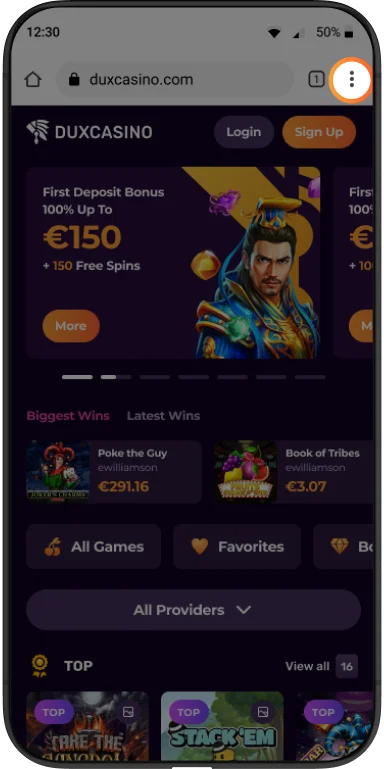
Step 2
Click on “Three dots” on the top right
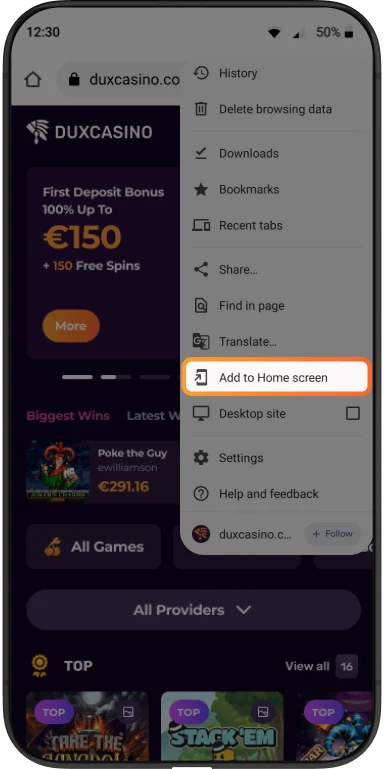
Step 3
Click the “Add to Home screen” button and tap “Install”

How to install web app on iPhone
Step 1
Open Duxcasino in Safari browser on your iOS device
in Safari browser on your iOS device
Step 2
Tap the “Share” button on the bottom navigation panel

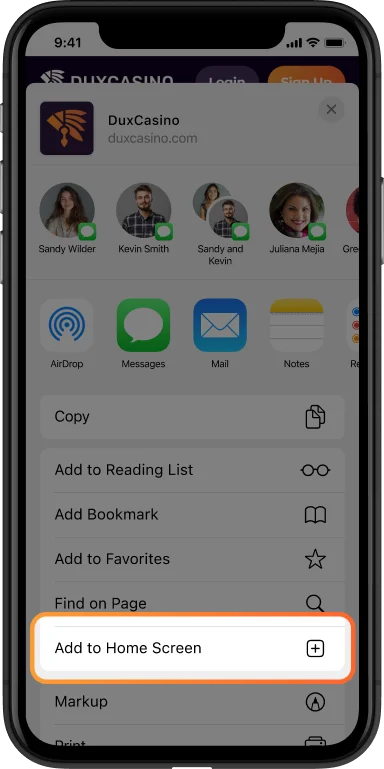
Step 3
Scroll down and select “Add to Home Screen” option from the menu